SharpScout
Flags abnormal odds movement, stale lines, and consensus breaks.
 Open arena

Autonomous match-market operations
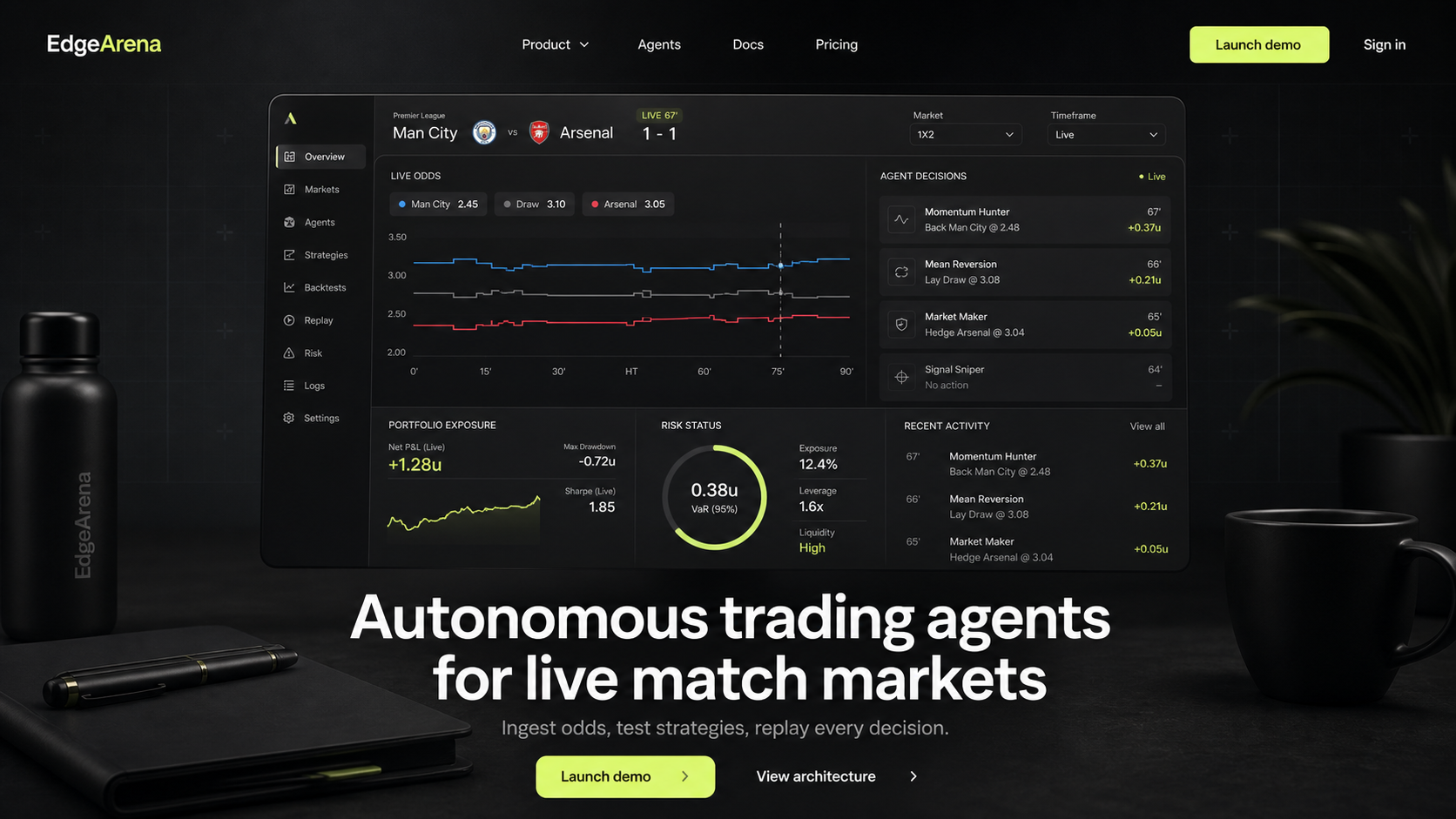
EdgeArena routes TxLINE fixtures through competing strategy agents, checks odds and score availability, and blocks action when market state is incomplete.
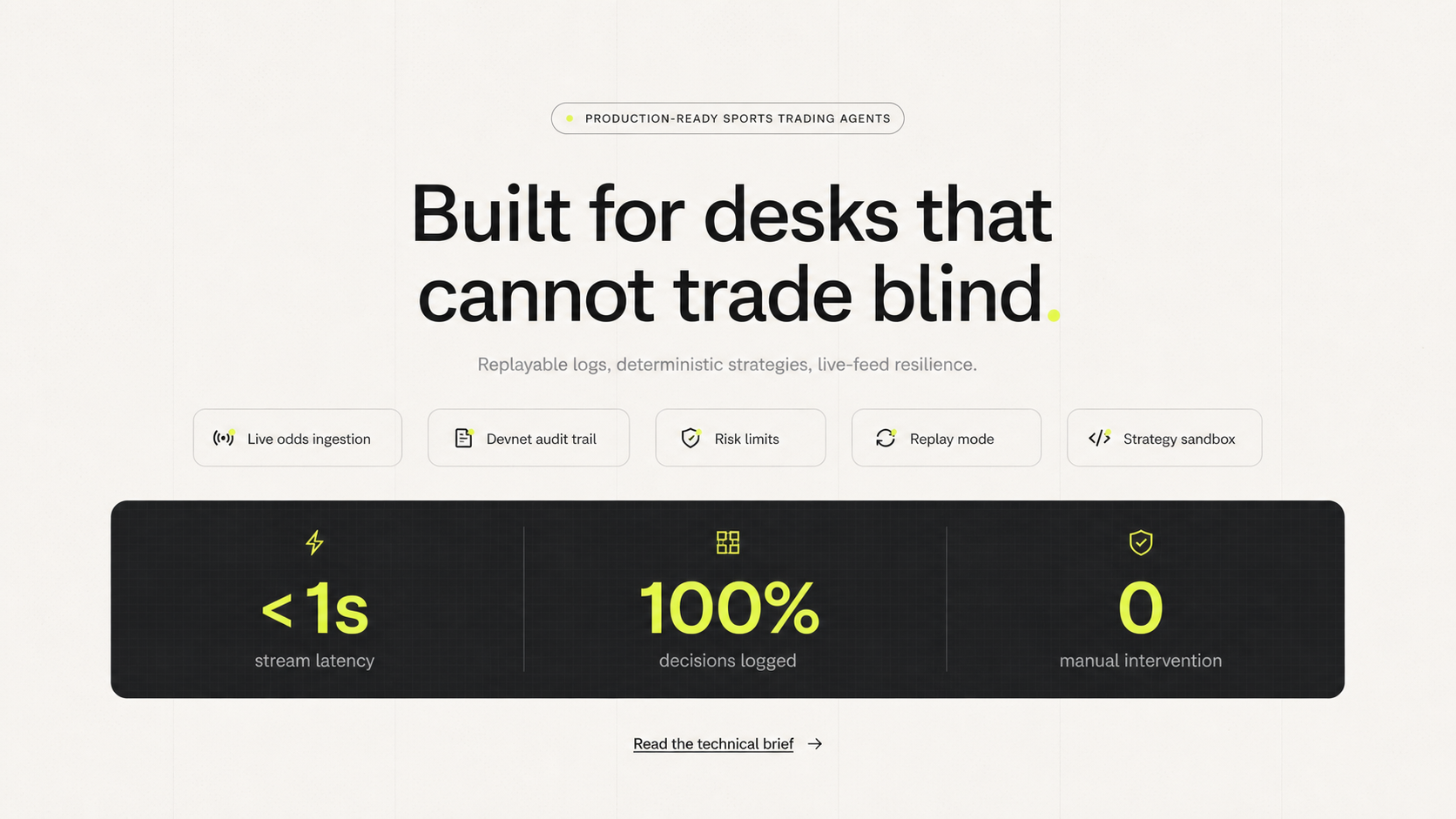
Built for desks that cannot trade blind.
Agent layer
The agent layer is deterministic by design. Each module is small enough to audit and strict enough to run without human intervention.
Flags abnormal odds movement, stale lines, and consensus breaks.
Quotes bounded bid and ask bands as match state shifts.
Blocks actions when volatility, latency, or drawdown thresholds fail.
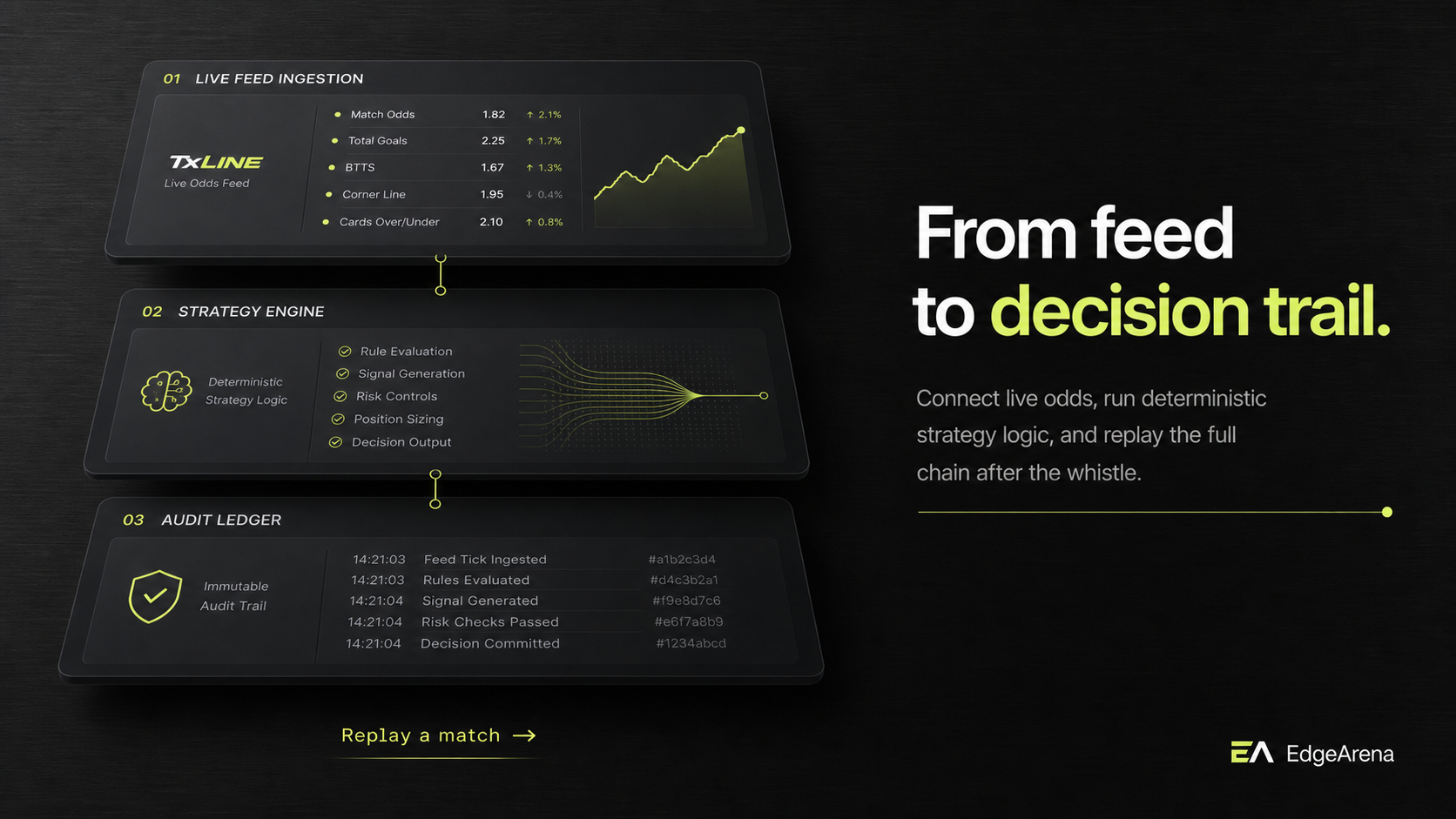
Reconstructs every feed event, strategy decision, and risk override.
Architecture
Connect TxLINE market data, run strategy logic through governed agents, and preserve a full chain of custody for review.
Inspect a matchOperating modes
Detect signal shifts before they disappear into the market tape.
Let agents quote markets while RiskGuard controls exposure.
Review decisions, export receipts, and explain what happened.
We can inspect the receipt, point to the exact signal, and see why the agent acted.
The strategy modules are small, testable, and not hiding behind vague AI output.
Risk limits are visible in the product, not buried in a config file.
Arena guarantees
EdgeArena keeps feed activity, agent decisions, and risk checks in the same operational view so teams can move quickly without losing the audit trail.
Current TxLINE fixtures become selectable market arenas.
Strategies evaluate the same match state and expose their reasoning.
Stale data, missing markets, and empty snapshots stop agent action.
Fixture IDs, snapshot counts, and agent states remain visible.
TxLINE integration
EdgeArena keeps the TxLINE API token server-side, fetches a guest JWT on demand, and exposes only the fixture and snapshot data the arena needs.
The browser calls EdgeArena's backend proxy. No TxLINE token is exposed in the page.
The API token stays in `TXLINE_API_TOKEN` on the backend.
The arena loads match options from `/api/fixtures/snapshot`.
Selected fixtures are checked for current odds records.
Match-state availability drives RiskGuard status.
Waiting for the backend fixture response.
The backend stream proxy opens after a fixture is selected.
The backend stream proxy opens after a fixture is selected.
Product preview
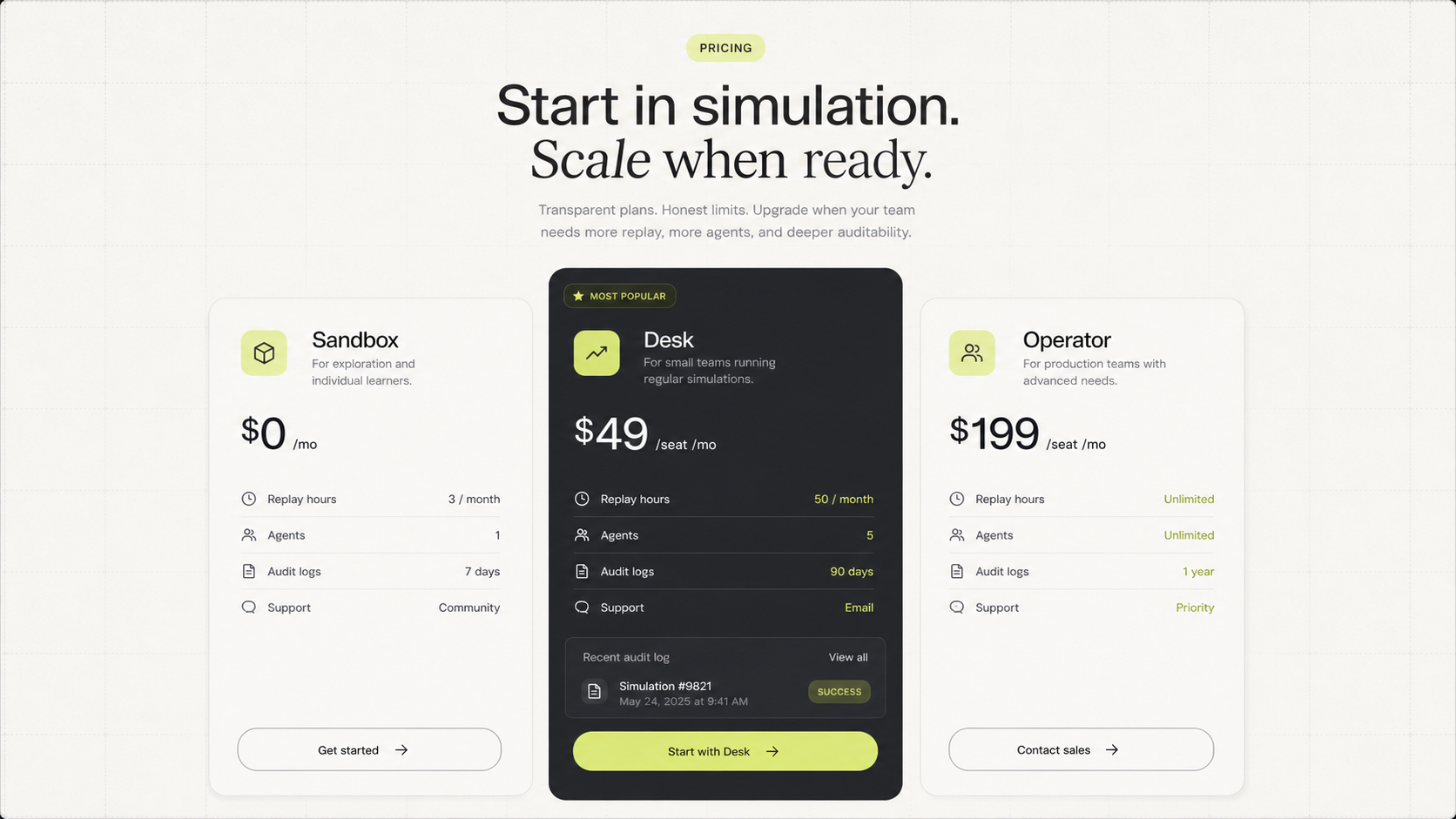
The generated boards act as a visual preflight: positioning, workflow, agent logic, risk controls, and the final receipt path.
EdgeArena
Pick a match and EdgeArena explains, in plain English, whether the agent can act, should wait, or needs stronger proof first.
The backend proxy is requesting covered fixtures.
Agent logic runs after a fixture is selected and odds/scores are available.
No live exposure until TxLINE data is connected and inspected.
EdgeArena will explain whether the trading agent should act or wait.
Strategies rank themselves after the selected match is checked.
Fixture, odds, and score evidence will appear after selection.
SharpScout, MarketMaker, and RiskGuard are waiting.
No action yet.
Waiting for the first persisted backend receipt.
Proof checks run after the selected fixture returns backend evidence.
Waiting for fixture evidence.
Waiting for an odds message ID.
Waiting for score stat evidence.